
Point of sale
Billing that keeps the queue moving
Scan, discount, split payments and print in seconds, on any counter in any branch.
06:40 AM
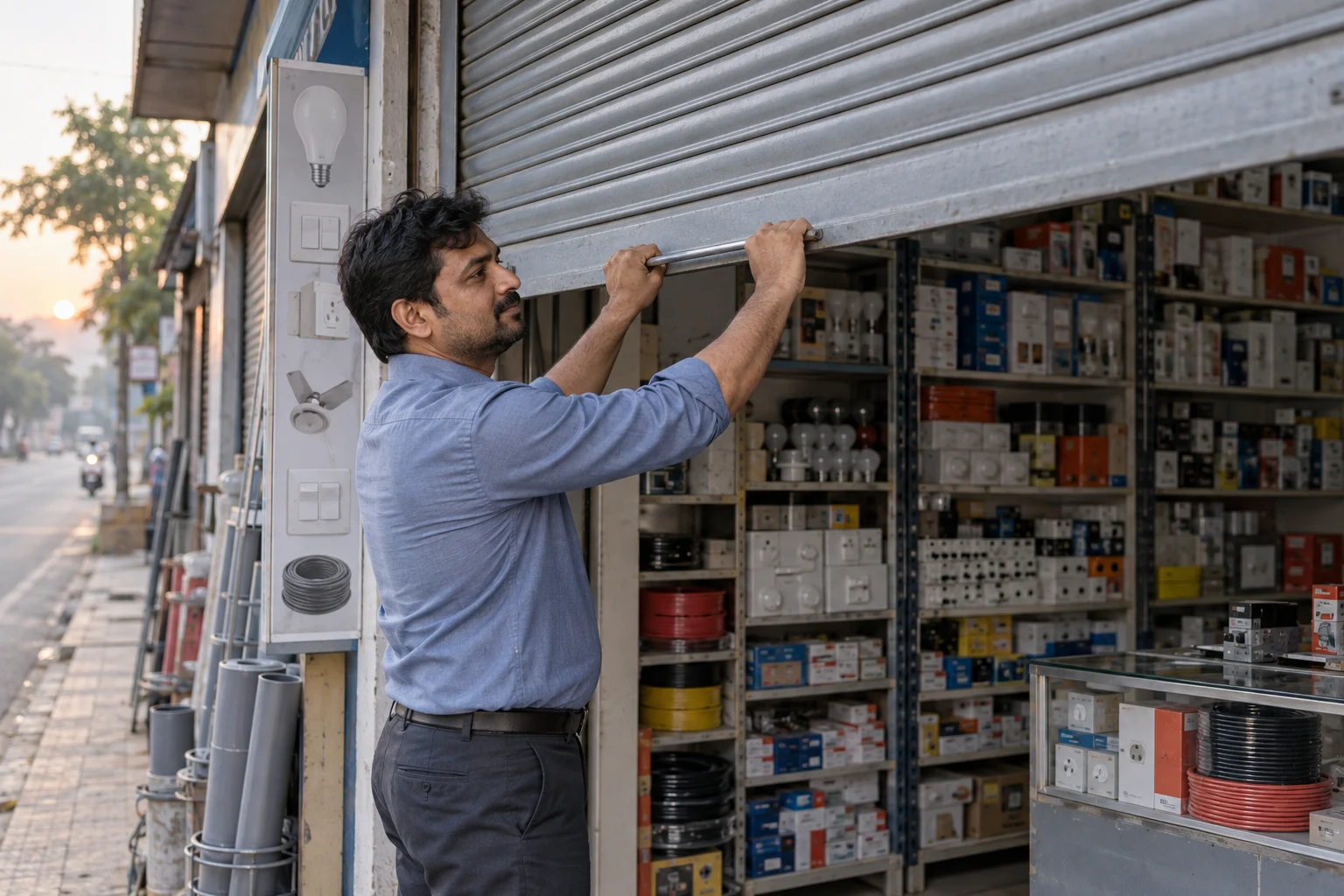
Shutters up.
Open the shop and begin the working day with your business in one place.
This scene could not be loaded. Use Play to try again.
Scenes illustrate everyday business situations. The footage is AI-generated and does not show the software interface or real customers.
ERP For shops, stores, warehouses and teams
Sell at the counter, move stock between branches, close the books and pay your people, all from one login that the whole team shares.
Every module, one platform
01 — Platform
Start with billing and stock, then switch on accounts, HR or manufacturing when you need them. It all runs on the same data.
Point of sale
Scan, discount, split payments and print in seconds, on any counter in any branch.
Inventory
Every sale and transfer updates every location.
Accounting
People
CRM
And the rest
Everything below plugs into the same products, customers and accounts.
02 — A day with Blinklist ERP
The film above follows one business through a working day. Every sale, delivery and payslip along the way lands on the same live dashboard.
Yes. Add as many locations as you need. Each keeps its own stock, cash and staff, and you can compare them side by side or move stock between them.
No. It runs in the browser on desktops, tablets and phones, so your team can sign in from the counter or on the move.
Yes. Roles and permissions decide exactly what each person can see and do, from billing only to full owner access.
The interface is available in 16 languages, including right-to-left scripts. Each user can pick their own.
Set up in minutes. Your team can be billing before lunch.